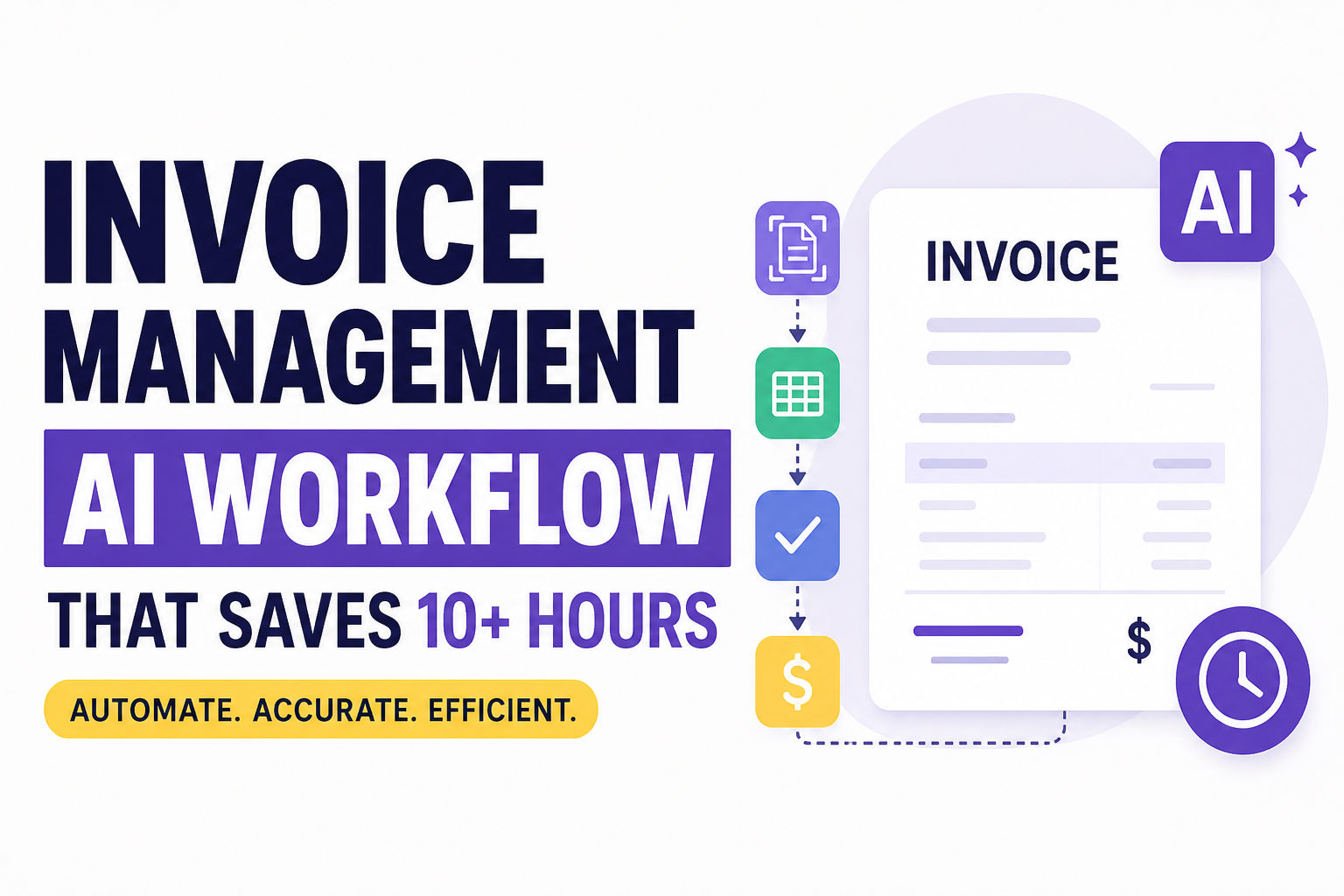
Invoice Management: AI Workflow That Saves 10+ Hours
Master Invoice Management with AI. Learn invoice automation, OCR, approval workflows, and accounts payable to save time and reduce errors.
Let's be honest for a second—manual invoice management is the business equivalent of doing your taxes with a pen and paper. You know it has to get done, but you dread every second of it. If you've ever found yourself squinting at a scanned receipt, trying to decipher a vendor's handwriting, or frantically searching your email for a lost invoice, you're in good company.
For decades, this has been the reality of the invoice management process. But in 2026, we're witnessing a full-scale revolution. Artificial intelligence has moved from science fiction to a practical, necessary tool for modern finance teams. It's no longer just about making things faster; it's about making digital invoice management smarter, more accurate, and a whole lot less painful. Let's walk through how AI invoice processing is reshaping the entire game for invoice management.
The Old Guard: Why Manual Invoice Processing is Breaking Your Business
Before we get into the shiny new tech, we have to talk about the elephant in the room. Why is the old way of doing things so bad?
First, it's excruciatingly slow. The average cost of processing a single invoice manually can reach up to $13, and manual labor alone consumes about 62% of total Accounts Payable costs. It involves an endless chain of actions: opening emails, downloading PDFs, rekeying data into accounting systems, and physically moving paper around the office. This tedium leads to huge bottlenecks. A study found that the average team takes about 9.2 days to process an invoice through the invoice lifecycle, while the best-in-class teams are doing it in about 8.72 hours. That's a massive gulf in operational efficiency.
Second, manual invoice processing invites invoice errors. We're talking about typos, missed decimal points, and duplicate payments. One simple slip-up can cascade into a nightmare of reconciliation. Research shows that duplicate invoices are a problem for 41.4% of accounts payable teams. These are classic invoice management challenges that plague growing businesses. The financial impact is staggering—errors and fraud cost middle-market firms up to $280,000 annually.
Third, it's a waste of your best talent. Your finance team should be analyzing data, spotting trends, and advising on strategy. Instead, they are spending hours on data entry. This contributes to invoice fatigue, where tedious tasks drain productivity and make people miserable.
Finally, it kills your cash flow. Late payments can sour supplier relationships and leave you scrambling to cover costs. More than 55% of invoices are paid late when processes remain weak or manual. To put it bluntly, clinging to a manual process is a tax on your business's growth, which is exactly why we need better invoice handling and invoice tracking. If you're struggling with cash flow gaps, you might find our guide on fixing small business cash flow problems helpful—it covers strategies that pair perfectly with automated invoicing.
So, How Does AI Actually Process an Invoice?
If you're new to accounting automation or finance automation, terms like "AI," "OCR," and "Machine Learning" can sound like buzzwords. But in practice, it's a simple, powerful concept. Let's break down the core technologies that are powering this shift in invoice management.
Optical Character Recognition (OCR)
Think of OCR invoice processing as the system's ability to "read" a document. In the old days, if you had a picture of a PDF, your computer just saw a picture. Invoice OCR converts that image into machine-readable text, picking up characters like dates, invoice numbers, and totals. Traditional OCR, however, has limitations—it doesn't truly understand what it reads, and any format deviation can cause failure, requiring manual review and correction.
Intelligent Document Processing (IDP)
This takes OCR software to the next level. Intelligent document processing doesn't just "read"; it understands the document. It can classify invoices, distinguish them from a purchase order, and interpret the information based on context. Unlike traditional OCR systems that typically require templates for each unique vendor format, AI-powered solutions can generalise across diverse vendor formats.
AI and Machine Learning (ML)
This is where the magic happens. AI invoice processing uses machine learning to "learn" from every invoice it processes. Over time, it gets smarter. It can handle unusual layouts from new vendors without needing manual templates. For example, the system knows that "Payment Due By" and "Due Date" mean the same thing, even if an invoice has a weird layout. This adaptive learning is what takes AI workflow from being a simple tool to a self-improving system. According to research, AI-powered systems can achieve up to 99% accuracy in data extraction.
The principles here are similar to other AI automation workflows we've covered—like building AI lead qualification workflows or automating client onboarding —where the AI learns and adapts over time to become more efficient.
The 7 Key Stages of the Invoice Management Process
To truly grasp how much simpler invoice management is, let's trace the complete journey of an invoice from receipt to payment. Every invoice goes through a journey, and a healthy process covers each stage:
1. Invoice Receipt and Data Capture
Your team receives an invoice, typically by email or as a paper copy. At this point, you capture important data like the vendor name, invoice number, amounts, and purchase order references. Modern systems use OCR and AI-powered data capture to digitize and extract information automatically.
2. Verification and Validation
Once you have the details, you verify that the invoice matches the purchase order or delivery receipt. This protects your business from paying incorrect or fraudulent charges.
3. Matching
The system performs two-way or three-way matching by cross-checking invoices against purchase orders and goods receipts. This ensures only legitimate invoices move forward.
4. Approval Workflow
Now it's time to get the green light. You route the invoice through an approval workflow so the different approvers—like department heads or project leads—can sign off. Automated workflows reduce bottlenecks, ensuring faster cycle times.
5. Exception Handling
Sometimes quantities don't align with a purchase order, or prices differ from what you agreed on. That's when exception handling comes in. A clear exception management process helps your team resolve issues quickly instead of letting payment stall and relationships suffer.
6. Payment Processing
After approval, you move to payment processing. Whether you pay by ACH, credit card, or check, this stage makes sure you pay vendors smoothly and accurately. Paying on time builds trust with vendors and may open the door to early-payment discounts that improve cash flow.
7. Reconciliation and Archiving
After you pay the bill, reconcile the transactions in your accounting software or ERP with bank statements to make sure you account for every expense. The final step is storing the invoice in a centralized system, keeping a complete audit trail for compliance and reporting.
If you're already using Google Forms to collect client data, you might want to check out our guide on automating invoices from Google Forms —it's a great entry point for small businesses before scaling to a full AI workflow.
Key Features to Look For in Invoice Management Software
If you're looking for an invoice management software, you can't just buy the flashiest name. You need a solution that fits like a glove. Here are the must-have features for the best invoice management software.
- Advanced OCR with AI Capabilities: The software must handle various formats (PDFs, images, scanned paper) without forcing you to use specific templates. Look for field-level confidence scores and line-item extraction capabilities.
- AI & Machine Learning Capabilities: The system should adapt to new invoice layouts and learn from the data it processes. The BILL Invoice Coding Agent, for example, reads bills, understands them, and codes them based on historical patterns, achieving ~90% fewer steps compared to manual processes.
- ERP Integration: A direct, native connection to your ERP (SAP, NetSuite, QuickBooks, etc.) is a non-negotiable requirement to eliminate data silos. Look for flexible ERP connectors with APIs and prebuilt integrations.
- Automated Approval Workflows: The ability to set rules for routing invoices to the right approvers based on company policy, with support for delegation, approval limits, and audit trails.
- Exception Management: You need a workflow for handling anomalies that the AI can't auto-resolve. It should provide clear, human-readable explanations of issues to make fixing them easy.
- Detailed Analytics: Track invoice volumes, processing times, bottlenecks, and savings to continuously optimize your process. Real-time dashboards and reporting tools offer insights into financial metrics.
Real-World Benefits: Why You Can't Afford to Wait
The theory is great, but what are the actual invoice automation benefits? The numbers paint a compelling picture. Companies that move to an AI-driven system don't just save a little time; they fundamentally improve their bottom line.
- Drastic Cost Reduction: Best-in-class teams reduce invoice processing costs by up to 80%. Processing costs drop from an average of $12.88 to as low as $2.78 per invoice—a 78% reduction. A business processing 100,000 invoices annually can save over $450,000.
- Unprecedented Speed: Automation slashes cycle times from ~9 days to under 48 hours, or even 2.8 days or less. With automation, you can process 64% more invoices per month.
- Near-Perfect Accuracy: AI hits up to 99% accuracy in data extraction, while manual teams face duplicate invoices in 41.4% of cases. Automated systems minimize human errors in data entry and calculations.
- Enhanced Cash Flow: Timely payments let you capture early payment discounts. The average team using automation achieves a 90% or higher on-time payment rate. Organizations implementing AP automation often see ROI within the first two months. This directly addresses the cash flow challenges we discussed earlier—and you can dive deeper into solving cash flow problems with practical strategies.
- Fraud Detection: AI and ML can spot suspicious activity and anomalies. 46.7% of organizations face fraudulent invoices. AI acts as a watchdog for fraud detection and secure invoice processing, flagging duplicate invoices and suspicious transactions before payments are made.
- Improved Vendor Relationships: Timely, transparent payments build trust with suppliers, leading to stronger partnerships, better negotiation power, and supply chain resilience.
Getting Started: Setting Up Your AI Workflow
Ready to jump in? You don't need to rip out your whole finance department to get started. Here's a practical road map.
- Audit Your Current AP Process: Start by mapping your current workflow. Ask: How many invoices do you get? How many are paper vs PDF? How many people touch an invoice and how long does approval take? This will help you define your ideal state.
- Define Your Ideal Invoice Workflow: Define your target state, including features like centrally captured invoices, automated duplicate checks, and approvals before a PO is created. This helps prioritise which automation features and integrations are right for you.
- Choose the Right Tool: Look for software that integrates with your ERP. If you use QuickBooks, don't buy a solution that only works with SAP. Look for top-rated invoice automation software or accounts payable software. If you're exploring automation platforms, our comparison of open-source Zapier alternatives might help you find a cost-effective workflow engine.
- Start Small, But Start Where the Data Matters: Pick invoice types tied to live workflows—freight bills, direct-material invoices, and recurring supplier charges are good starting points. Test against real supplier noise including scans, low-quality PDFs, and multi-page invoices.
- Train the System and Set Up Approvals: Feed your AI a sample batch of historical invoices. Review the first few extractions and correct any errors. Configure approval rules (e.g., "Invoices under $500 auto-approve, over $5,000 go to the CFO") to minimize bottlenecks.
- Monitor, Track, and Iterate: Use AI-powered workflows to identify spend trends and direct cash-flow decisions. Track your key metrics immediately—look at processing time and accuracy to see exactly how the investment is paying off.
The Future is Touchless and Agentic
The goal of all this is to move toward a "touchless" or "lights-out" process. In this ideal state, the vast majority of your invoices require zero human intervention. The AI handles everything from entry to payment, only flagging anomalies for review.
The Shift to Agentic AI
Generative AI brought relief with intelligent data interpretation, but it remained fundamentally reactive—extracting details, flagging discrepancies, and generating outputs. By contrast, Agentic AI adds autonomous execution and decision-making capabilities.
Agentic AI acts like a financial strategist. It can:
- Prioritise invoice payments based on payment terms, early-payment discounts, vendor relationships, and cash-flow forecasts—adjusting strategies dynamically.
- Autonomously resolve exceptions by identifying why a process is blocked and automatically triggering workflows to fix the problem.
- Perform intelligent three-way matching by automatically retrieving data from POs and goods receipts, resolving minor discrepancies within predefined tolerance thresholds without human intervention.
- Verify vendor details including banking information, tax IDs, and compliance status, catching mismatches humans would miss.
- Act as a 24/7 helpdesk, monitoring vendor inboxes, reading incoming queries, looking up live payment status in the ERP, and replying to vendors—all without human help.
This approach mirrors what we've seen in other automation success stories—like AI client onboarding , which cuts onboarding time by 53%, or AI follow-up email automation , which saves sales teams 12+ hours per week. The pattern is the same: identify repetitive tasks, apply AI, and reclaim human time for higher-value work.
Frequently Asked Questions
What is invoice management? Invoice management is the process of receiving, verifying, approving, paying, and archiving supplier invoices to ensure accuracy, compliance, and timely payments. It covers the entire invoice lifecycle, including data entry, approval, and archiving.
Why is manual invoice management inefficient? Manual invoice management is labor-intensive, consuming up to 62% of AP costs and taking weeks to process. It's prone to human error, with an average of 118 mistakes per employee per year, and lacks real-time visibility into invoice status.
What is invoice automation? Invoice automation uses technology like AI and OCR to streamline the invoice management process, reducing the need for manual data entry and speeding up approval cycles. For a simpler entry point, you might want to explore automating invoices from Google Forms —it's a great way to test automation without a big commitment.
How does AI process invoices? AI processes invoices by using OCR invoice processing to extract data and machine learning to understand the context. It then validates the data against purchase orders (two-way or three-way matching), routes it for approval, and handles exceptions—all without human intervention.
What is OCR invoice processing? OCR invoice processing converts scanned or printed documents into machine-readable text, allowing software to extract key details like invoice numbers, dates, and amounts. AI-powered OCR achieves up to 99% accuracy and doesn't require templates for each vendor format.
What is accounts payable automation? Accounts payable automation is the use of software to streamline the entire accounts payable function, from receiving supplier invoices to making payments. It includes invoice approval workflow, fraud detection, and ERP integration.
What is invoice management software? Invoice management software is a tool that helps businesses track, approve, and pay invoices. It often includes features like invoice OCR, approval routing, real-time analytics, and integration with accounting systems.
Can small businesses automate invoice management? Absolutely. Small businesses can automate invoice management using affordable tools that integrate with QuickBooks or Xero. It helps them reduce invoice errors, avoid late payments, and scale their operations without hiring extra staff. If you're exploring other business automation tools, check out our list of the best free AI project management tools —many of them integrate well with invoicing workflows.
How much can automation reduce processing costs? A business processing 100,000 invoices annually can save over $450,000 by eliminating manual tasks and reducing the cost per invoice. Processing costs drop from an average of $12.88 to as low as $2.78 per invoice.
Conclusion
Invoice management has always been the messy, unavoidable side of business. But in 2026, it no longer has to be. By leveraging AI invoice processing, OCR software, and workflow automation, you can transform your accounts payable department from a source of stress into a strategic asset. The question isn't whether you should automate—it's how soon you can get started. The technology is mature, the ROI is proven, and the peace of mind is priceless. It's time to say goodbye to the spreadsheets and hello to the future of finance automation.
CS student and builder writing about tech, startups, AI, and productivity. Built a SaaS that didn't ship — walked away with real product experience instead. Sharing everything learned along the way.