How to Build Your First n8n Automation (Step-by-Step)
Learn how to automate your first business process with n8n. Save hours, reduce manual work, and build no-code workflows for your business.
The 8-Hour Problem That's Costing You Thousands
Imagine this: You run a small service business. Every week, a client sends an invoice. You download it, open the PDF, copy the total into a spreadsheet, type the client's name, note the date, and send a confirmation email. It takes maybe five minutes.
Now multiply that by 50 invoices a month. That's over four hours. Add data entry errors, chasing missing information, and reconciling payments, and you're looking at eight hours a week. At a contractor rate of $25 an hour, that's $10,000 a year lost to manual invoice processing.
This isn't an exaggeration. Research shows that workflow automation can cut repetitive tasks by up to 95% and save teams as much as 77% of their time. For small businesses, this isn't just a convenience issue—it's a growth bottleneck.
A study comparing manual versus automated workflow execution found that manual processing averaged 185 seconds per task, with a 5% error rate. Automated execution using n8n completed the same task in just 1.23 seconds with zero errors. That's a 151x speed improvement.
In this guide, I'll walk you through exactly how to set up your first n8n automation—no coding required. You'll learn how to build a workflow that processes invoices automatically, saves you hours each week, and scales with your business.
What Is n8n? (And Why Small Businesses Are Switching to It)
n8n (short for "nodemation") is an open-source workflow automation platform that connects applications and services through visual workflows. Instead of writing code, you build automated processes using drag-and-drop nodes that talk to each other, moving data between your tools without manual intervention.
Here's what makes n8n different from other automation tools:
Self-hosting option: Unlike Zapier or Make, which are cloud-only, n8n lets you run the platform on your own server. This gives you full control over your data—critical if you handle sensitive customer information or need to comply with regulations like GDPR.
Fair-code model: n8n's source code is visible and modifiable for self-hosted use. You're not locked into a proprietary black box. Over 230,000 active users now rely on n8n, and the company reached a $1.5 billion valuation in mid-2025, reflecting rapid adoption.
Customizable: You can add custom JavaScript or Python code when needed, making n8n far more flexible than "no-code only" platforms.
Pricing advantage: The self-hosted Community Edition is free. Cloud plans start at around $20 per month, with execution-based pricing that often makes n8n more cost-effective than Zapier for complex or high-volume workflows.
Who Should Use n8n?
n8n is ideal for small businesses that:
- Want to automate repetitive tasks like invoice processing, lead management, or customer support
- Handle sensitive data and want control over where it lives
- Have someone comfortable with basic technical setup (or are willing to learn)
- Need more flexibility than Zapier or Make can offer
For context, Zapier is easier for non-technical users with over 8,000 integrations, but its task-based pricing can get expensive at scale. If you're evaluating alternatives, check out our detailed comparison of open-source Zapier alternatives including n8n, Activepieces, and Huginn to see which fits your needs best.
The Problem: Manual Invoice Processing Is a Growth Killer
Let's look at a real scenario. Sarah runs a consulting business with 25 clients. Each month, she receives invoices via email, manually enters data into Google Sheets, and sends payment confirmations.
Before automation, her workflow looked like this:
- Open Gmail, find each invoice email
- Download the PDF attachment
- Open the PDF, read the invoice number, client name, amount, and date
- Open her Google Sheets invoice tracker
- Type each field into the correct column
- Check for errors (missed a digit? wrong client?)
- Send a confirmation email to the client
- Move to the next invoice
The cost: 25 invoices × 5 minutes each = 125 minutes per month just for data entry. Add error correction, and she's at over 4 hours monthly. At her hourly rate of $100, that's $400 per month in lost revenue.
The hidden costs:
- Errors: Typos in invoice numbers cause payment delays. Wrong client emails mean invoices don't get paid.
- Stress: Manual work is boring and drains mental energy from higher-value tasks.
- Scaling limits: If Sarah grows to 50 clients, manual processing becomes impossible without hiring help.
A 2025 academic study quantified these pain points. Researchers found that manual data entry takes an average of 185 seconds per record with a 5% error rate. The same process automated with n8n took just 1.23 seconds per record with zero errors.
Sarah's story is common. But n8n changes the equation entirely. For a deeper dive into AI workflow automation for small businesses , check out our comprehensive guide covering 10 smart workflows every small business should use.
The n8n Solution: Automate Invoice Processing in 4 Steps
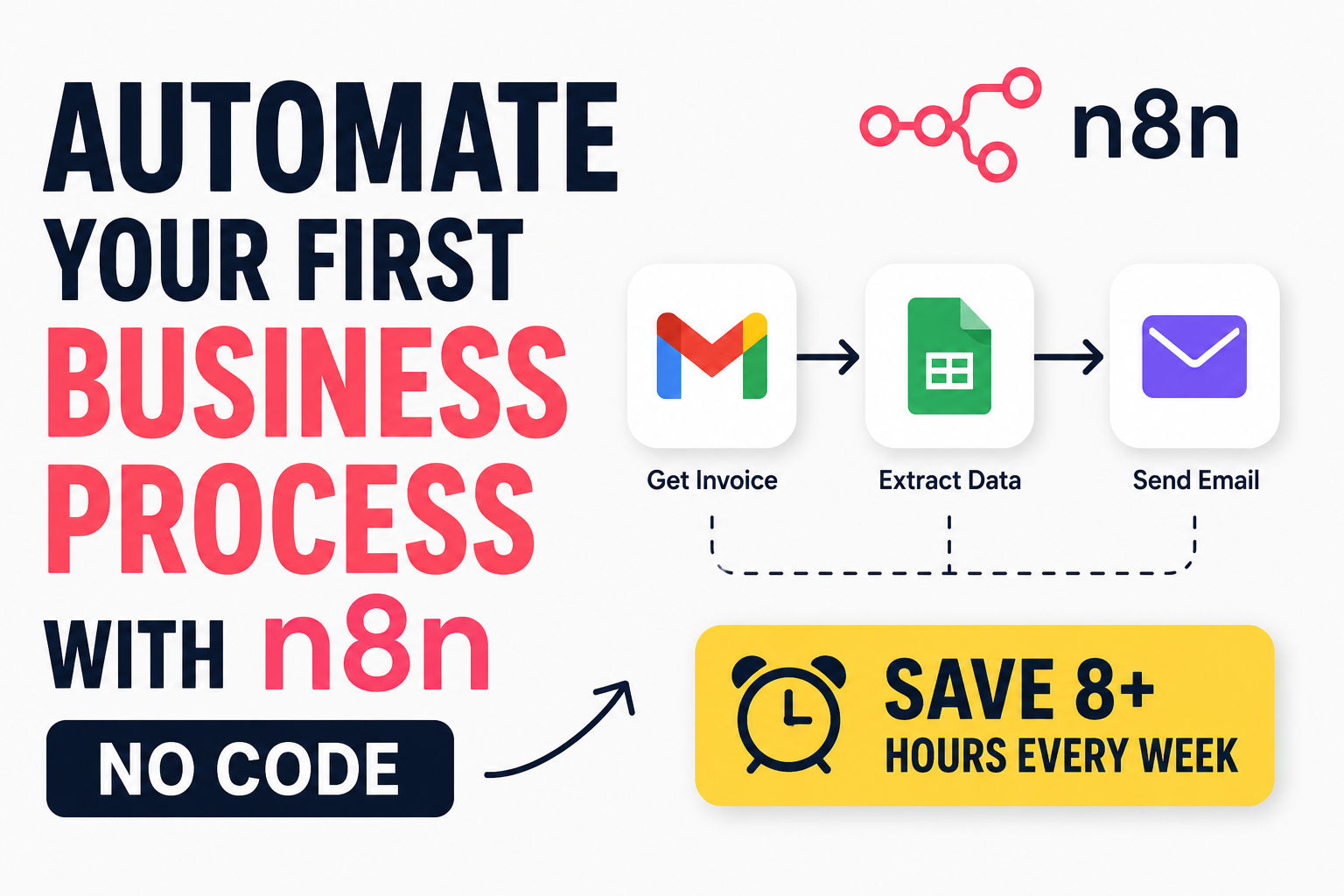
Let's build a production-ready invoice automation workflow using n8n. By the end of this section, you'll have a system that automatically:
- Captures invoices from Gmail
- Extracts key data using AI
- Logs everything to Google Sheets
- Notifies you via email or Slack
Step 1: Set Up n8n (5 Minutes)
You have two options for running n8n:
Option A: n8n Cloud (Recommended for beginners)
- Sign up at n8n.io/cloud
- Choose the free plan (which includes a limited number of workflow executions)
- No server setup required—you're up and running in minutes
Option B: Self-Host n8n
- Install n8n on your VPS (DigitalOcean, Linode, AWS) or local machine
- Run text
docker run -it --rm --name n8n -p 5678:5678 n8nio/n8n
- Access the dashboard at text
http://localhost:5678
- You control the infrastructure, security, and data
For this guide, I'll assume you're using n8n Cloud. Once you're in the dashboard, you'll see a clean interface with workflow templates and a blank canvas for building.
Step 2: Build Your First Workflow
Let's create an invoice processing workflow. You'll use a pre-built template that's been tested and used by hundreds of small businesses.
The workflow structure:
Gmail Trigger → Download PDF → Extract Text → AI Data Extraction → Google Sheets → Email Notification
1. Set up the Gmail Trigger
- Add a Gmail Trigger node to your canvas
- Connect your Gmail account (OAuth2 is supported)
- Configure it to watch for emails with attachments containing "invoice" in the subject
- Set the polling interval (e.g., every 5 minutes)
2. Download the PDF
- Add a Google Drive node
- Configure it to download the PDF attachment from the email
- Store it temporarily for processing
3. Extract Text from the Invoice
- Add an Extract from File node
- Choose PDF as the file type
- This node will pull the raw text from your invoice PDF
4. AI Data Extraction (The Magic)
- Add an AI Agent node with OpenAI integration
- Configure a system prompt like:
You are an invoice data extraction expert. Extract the following fields:
- Invoice Number
- Client Name
- Client Email
- Total Amount (numeric only, no currency symbols)
- Invoice Date (YYYY-MM-DD format)
- Due Date (YYYY-MM-DD format)

Return the data as structured JSON.
- Use GPT-4o for highest accuracy, or GPT-3.5 for cost efficiency
5. Save to Google Sheets
- Add a Google Sheets node
- Configure it to append a new row with the extracted data
- Map each field to the correct column
6. Send a Notification
- Add an Email Send node (SMTP) or Slack node
- Configure it to send a confirmation when a new invoice is processed
- Include the invoice number and total amount in the notification
If you're interested in expanding this to other email automation scenarios, our guide on how to automate Gmail replies with n8n and ChatGPT provides a great starting point.
Step 3: Connect Your Tools
To make this workflow work, you'll need to authenticate each service:
Gmail Integration
- In the Gmail node, click "Create New Credentials"
- Follow the OAuth flow to connect your Gmail account
- n8n handles the OAuth token refresh automatically
Google Sheets Integration
- Add your Google Sheets credentials with read/write permissions
- n8n uses OAuth2—same process as Gmail
- Create your invoice database table with columns: Invoice Number, Client Name, Client Email, Amount, Date, Status
OpenAI Integration
- Get an API key from platform.openai.com
- Add it to the OpenAI node in n8n
- Start with GPT-4o for testing, then optimize based on accuracy needs
Slack Integration (Optional)
- Create a Slack app in your workspace
- Add the necessary OAuth scopes (,text
chat:write
)textfiles:read
- Connect the credential to the Slack node
Step 4: Test & Deploy
Testing the Workflow
- Click the "Execute Workflow" button to test each node
- Send a test invoice email to your Gmail account
- Verify that the workflow runs without errors
- Check Google Sheets for the new row
- Confirm you received the notification
Error Handling
- Add an Error Trigger node to catch failures
- Configure it to send you an alert if something breaks
- Log errors to a separate Google Sheet for troubleshooting
Go Live
- Activate the workflow
- n8n will start watching for new invoices automatically
- Monitor the first few real invoices to confirm everything works
For more advanced automation strategies, explore our AI social media content pipeline with n8n guide, which shows how to automate content creation across multiple platforms.
Real Results: Before and After
Before Automation (Sarah's Manual Process)
- Time per invoice: 5 minutes
- Time per month (25 invoices): 125 minutes (2+ hours)
- Error rate: ~5% (typos, missing data)
- Annual cost at $25/hour: ~$1,000 in lost productivity
After Automation (n8n Process)
- Time per invoice: ~1 second (fully automated)
- Time per month: Less than 1 minute
- Error rate: 0%
- Annual savings: ~$1,000 + reduced stress + faster payment cycles
For businesses processing 100+ invoices monthly, the savings compound dramatically. A study on a similar workflow showed that automated invoice processing reduced the time needed from 9–10 minutes to under 2 minutes per invoice, with full elimination of billing errors.
The ROI Math:
| Metric | Before | After |
|---|---|---|
| Time per invoice | 5 minutes | <1 second |
| Monthly time | ~4 hours | <1 minute |
| Error rate | 5% | 0% |
| Annual value | -$1,000 | +$1,000 savings |
But the real ROI isn't just time saved—it's the ability to scale. With automation in place, Sarah can grow to 100 clients without hiring an admin. That's the power of n8n.
For a broader perspective on how automation transforms business operations, our AI workflow automation for small businesses guide covers lead management, customer support, and marketing automation.
Beyond Invoices: What Else Can You Automate?
Invoice automation is just the beginning. Here are other workflows that small businesses are automating with n8n:
Lead Management
-
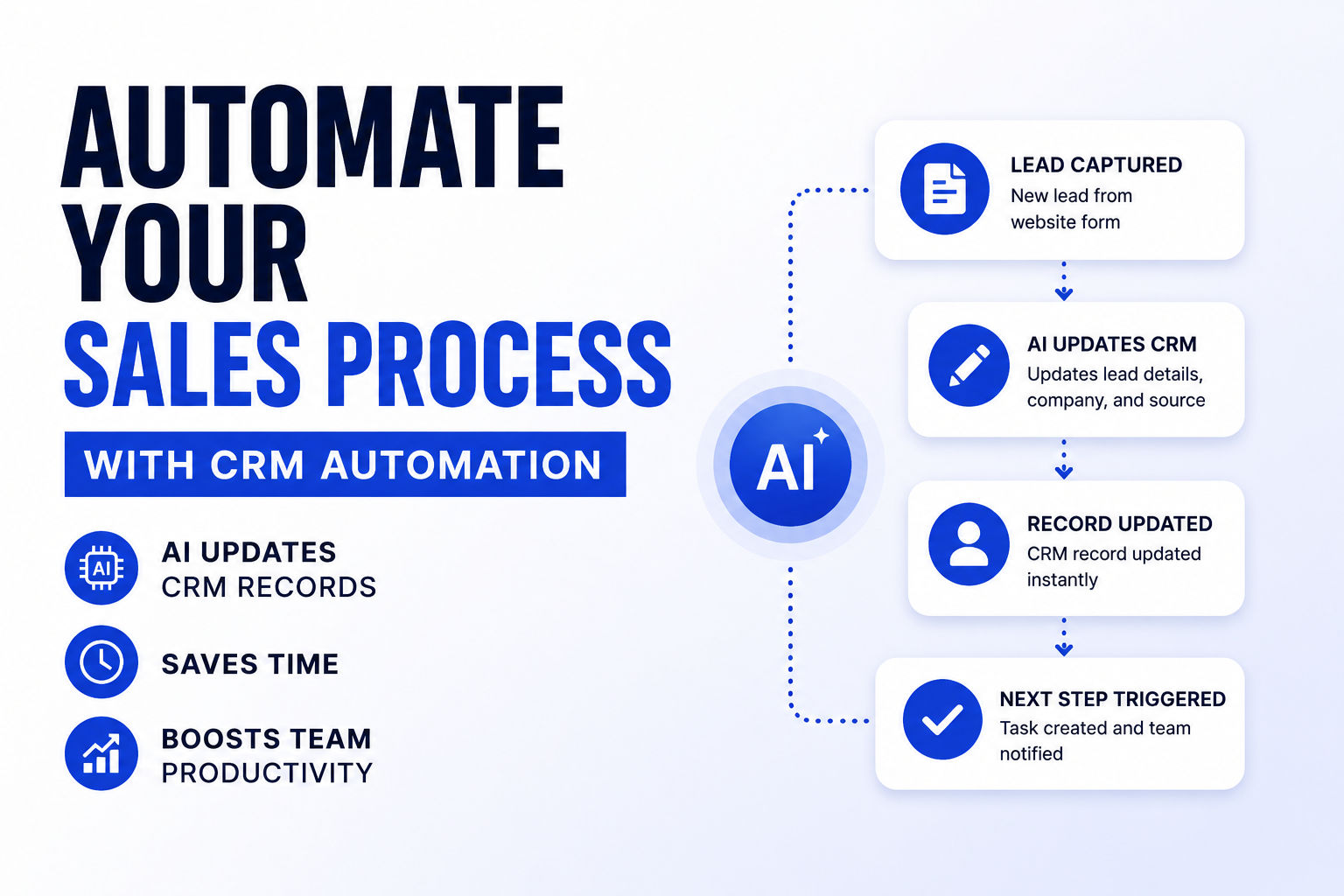
Lead Capture and CRM Automation: When a website form is submitted, n8n automatically moves the lead into your CRM, assigns it to a sales rep, sends a welcome email, and notifies the team on Slack.
-
AI-Powered Lead Generation: Use AI to find local business leads, enrich them with news insights, and save structured data to your database. Learn how to build AI lead qualification workflows with n8n to automatically score and route your best prospects.
Customer Support 3. Support Ticket System: Capture requests via a webhook form, categorize them (e.g., refunds), save tickets to Google Sheets, and send acknowledgment emails.
- AI-Powered Customer Support: Integrate n8n with AI models to create smart assistant systems that handle routine inquiries 24/7. Check out our complete guide on WhatsApp customer support automation to see how businesses are resolving 60-80% of tickets automatically.
E-Commerce 5. Order Processing: Automate the entire order lifecycle—from order creation to shipping confirmation—across your store, payments, and fulfillment tools.
- Inventory Management: Monitor stock levels and trigger reorder alerts when inventory hits predefined thresholds.
Marketing 7. Email Marketing Sequences: Automate welcome emails, newsletter delivery, product announcements, and re-engagement campaigns based on customer behavior.
- Social Media Content Scheduling: Automate publishing content from Google Sheets or Airtable to multiple platforms on a predetermined schedule. Our AI social media content pipeline guide shows how to generate and publish platform-specific posts automatically.
Operations 9. Employee Onboarding: Automate HR tasks like sending new hire paperwork, scheduling training, and setting up accounts.
- Document Approval Workflows: Route invoices, contracts, purchase requests, and leave applications to the appropriate approver, and track approval status automatically.
Finance 11. Weekly Spending Reports: Generate AI-powered spending summaries from invoice data and email them automatically every week.
- Payment Tracking: Monitor payment status and send automated reminder emails when payments are overdue.
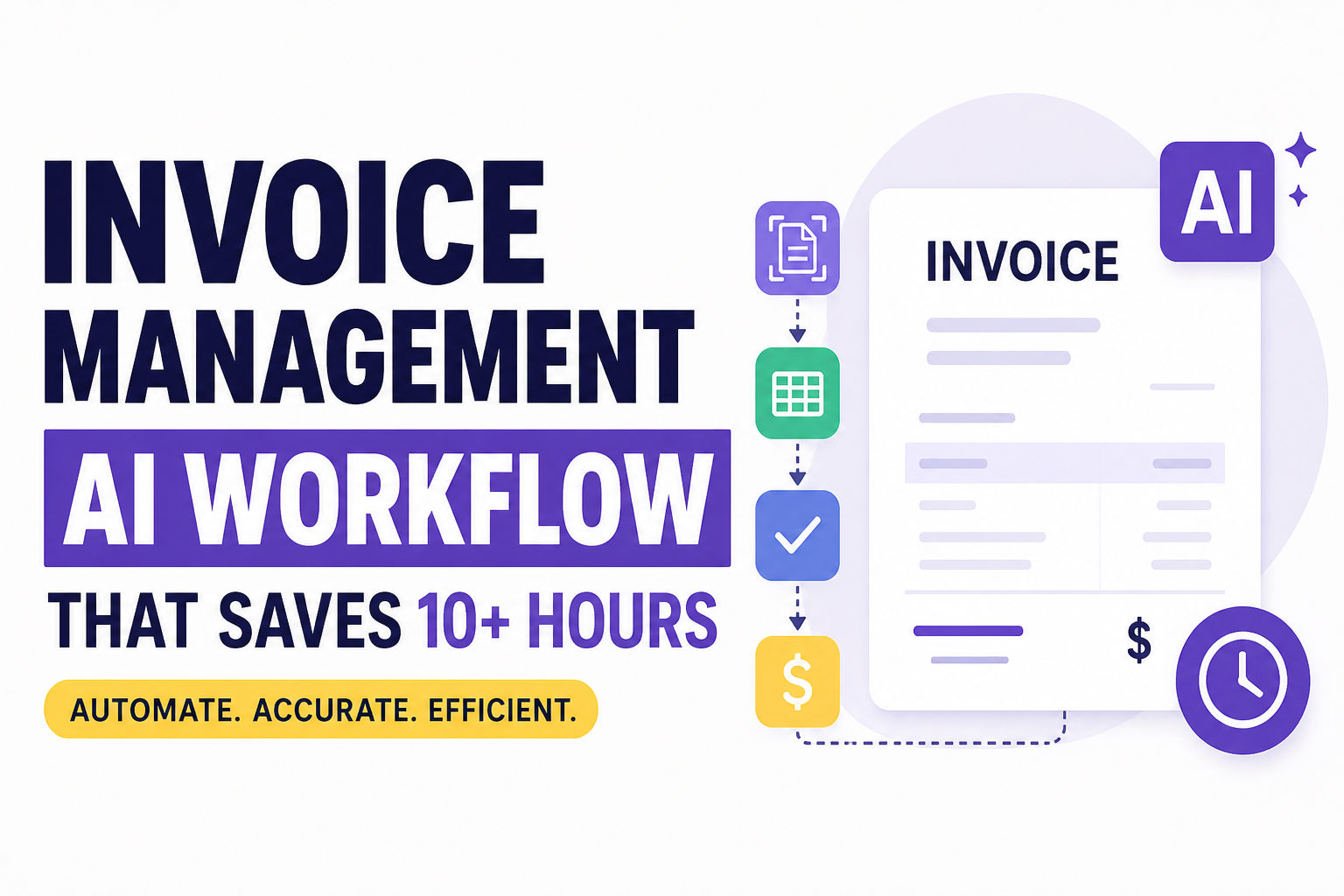
For more hands-on examples, explore our invoice management AI workflow guide, which covers OCR processing, approval workflows, and accounts payable automation.
Frequently Asked Questions
Q: Is n8n free? Yes and no. n8n's self-hosted Community Edition is completely free, but you pay for your server infrastructure. n8n Cloud has a free plan with limited executions, and paid plans start around $20/month. Many small businesses start with the free self-hosted version and move to Cloud or paid plans as they scale.
Q: Do I need to know how to code? No. n8n is a visual, no-code platform. You build workflows by connecting nodes in a drag-and-drop interface. However, some technical understanding helps—especially for setting up self-hosted instances or troubleshooting API connections.
Q: Can I use n8n with my specific tool? n8n has over 400 pre-built nodes for popular apps, including Gmail, Slack, Google Sheets, Airtable, HubSpot, Notion, and more. If your tool isn't supported, you can use the HTTP Request node to connect to any REST API or write custom code.
Q: How is n8n different from Zapier? n8n is open-source, supports self-hosting, and gives you more control over data and customization. Zapier is cloud-only and easier for non-technical users to start with but costs more at scale. If you need data residency control, complex logic, or want to avoid per-task pricing, n8n is usually the better choice. Read our full open-source Zapier alternatives comparison to make an informed decision.
Q: Is self-hosting n8n secure? Yes, if you follow security best practices. Use HTTPS, enforce strong authentication, restrict access by IP, and keep your instance updated. For sensitive data, self-hosting is often more secure than cloud options because you control exactly where your data lives.
Q: What if my workflow fails? n8n includes error handling features. You can add Error Trigger nodes to catch failures, log errors to a database, and send alerts to your team.
Q: Can n8n integrate with Slack? Yes. Slack integration is one of the most popular use cases. You can send notifications, post messages to channels, and even interact with Slack messages as triggers.
Q: How hard is it to set up? If you use n8n Cloud, setup takes about 5 minutes. If you self-host, plan for 30-60 minutes to configure a VPS and install n8n. The workflow-building process is intuitive once you understand the node-based design.
Start Automating Today
Manual invoice processing is a quiet productivity drain that costs small businesses thousands of dollars every year. But with n8n, you can build a fully automated system in under an hour—no coding required.
Here's your action plan:
- Sign up for n8n Cloud (free tier)
- Import the invoice processing template from the n8n library
- Connect your Gmail, Google Sheets, and OpenAI accounts
- Test with a sample invoice
- Activate the workflow and monitor the first few real invoices
- Scale to other workflows (lead capture, customer support, inventory)
The $10,000 you save from automating just this one process can be reinvested in growing your business. And once you've built your first workflow, adding more automations gets even faster.
For more automation inspiration, explore our guides on CRM automation , AI client onboarding workflows , and automated business reporting with AI .
CS student and builder writing about tech, startups, AI, and productivity. Built a SaaS that didn't ship — walked away with real product experience instead. Sharing everything learned along the way.