AI Workflow Automation: 10 Smart Workflows Every Small Business Should Use
Discover AI workflow automation for small businesses. Learn 10 practical workflows, top tools, and how to automate repetitive tasks.
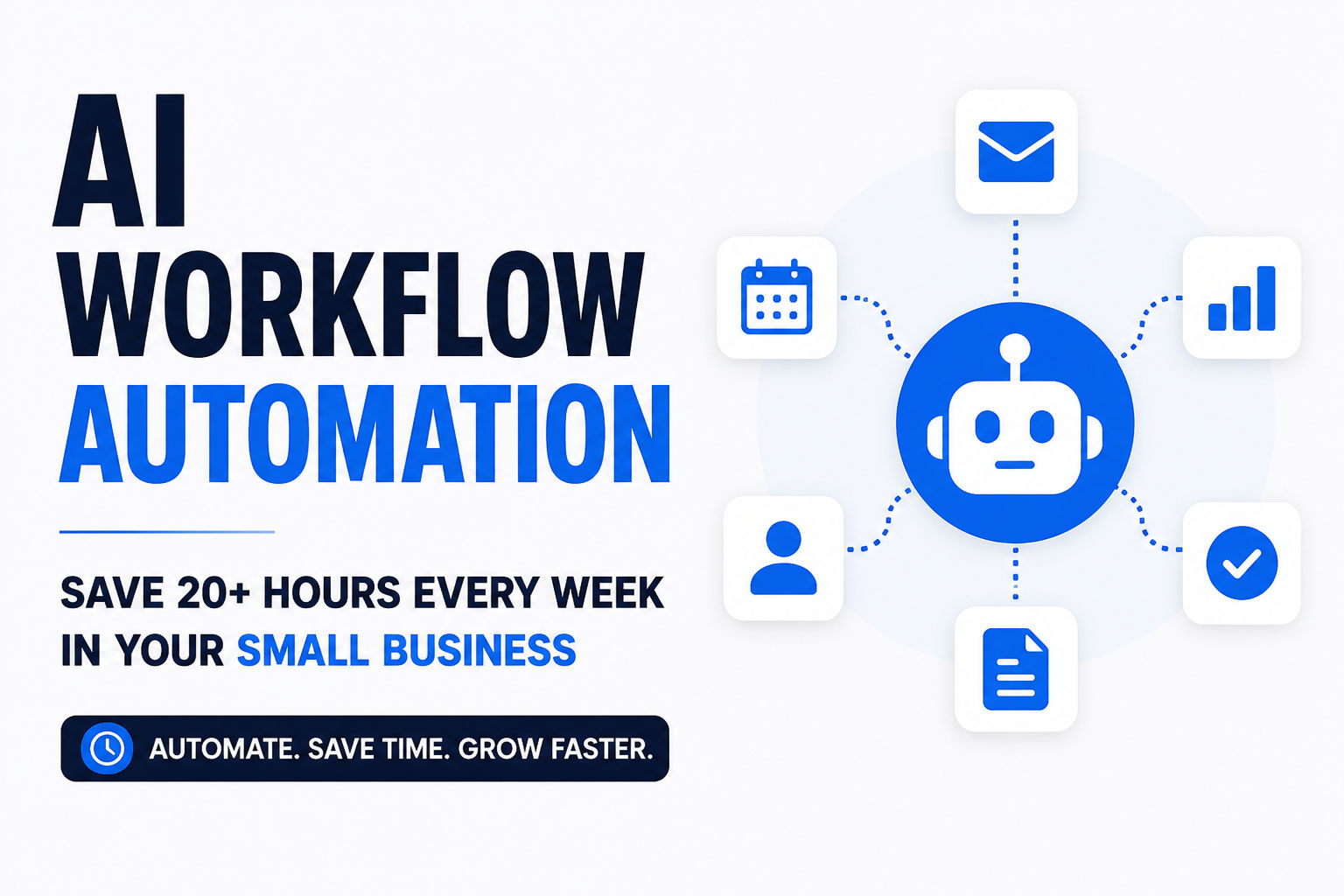
AI Workflow Automation: The Operator’s Manual for 2026
Let’s be honest for a second. When you hear "AI workflow automation," your brain probably jumps to a vision of setting up a Zapier connection and calling it a day. That's not automation. That's a party trick.
Real AI workflow automation is workflow design under real-world conditions. It's dealing with missing inputs, unclear requests, human delays, edge cases, and tool failures. It's not about using AI to do a task. It's about building a system that reliably turns repeated work into a sequence that holds up under pressure.
This is your operator's manual. No fluff, no vibes, just systems, decision rules, and minimum complexity that actually works. If you take one thing from this guide, let it be this: automate the workflow, not the task. A task is a step. A workflow includes triggers, inputs, decisions, actions, verification, and fallback paths. That's what we're building here.
What AI Workflow Automation Actually Means
Let's get the definition straight. A workflow is automated when all of these are true:
- Trigger is explicit (what starts the run).
- Inputs are defined (what must exist, and where it comes from).
- Outputs are verifiable (what "done" looks like).
- Decision rules exist (branching logic is explicit).
- Failures have paths (fallback steps and escalation).
- Observability exists (you can see what happened and why).
- It runs repeatedly without redesigning it every time.
In this setup, AI is the draft engine inside the workflow. Automation is the execution engine around it.
Here's a useful mental model to keep you grounded:
- AI writes: drafts, summaries, classifications, options.
- Automation moves: creates tasks, routes messages, updates systems.
- Humans verify: approve, reject, correct, and train the system.
If AI is making irreversible decisions, you're not automating—you're gambling. And the house always wins eventually.
Before we dive deeper, it's worth understanding how AI agents fit into this picture. They're the ones actually executing the tasks. If you want to see a clear breakdown of how an agent differs from an assistant, check out our explainer on AI agents vs. AI assistants. It's a helpful foundation for understanding who's doing the heavy lifting in your workflow.
Why Small Businesses Need This Now
If you run a small business, you're drowning in repetitive work. Not the fun, strategic work you signed up for. The glue work. The copy-pasting between systems. The admin that burns out business owners and keeps them from doing what actually matters.
The market has caught on. Major players are now building specifically for the SMB segment. Anthropic recently launched Claude for Small Business, a dedicated product with pre-built agentic workflows covering finance, operations, sales, marketing, HR, and customer service. It connects directly to QuickBooks, PayPal, HubSpot, Canva, and Google Workspace, handling everything from reconciling cash positions to chasing overdue invoices.
Gusto introduced Gusto Cofounder, an "AI teammate" built specifically for small businesses that knows your team, payroll schedule, and how your business runs without requiring any setup. You can simply tell it: "Run payroll for me every Friday. Text me if there are any anomalies greater than 10% from the previous week's payroll."
This is the shift. AI is no longer just for enterprise. It's for the stressed-out owner trying to keep the business moving.
How AI Workflow Automation Works
Before you touch any tool, understand the architecture. Most automations fail because they're built as a single blob. Don't do that. Use three layers. For a deeper dive on the architecture side and what goes into making these systems production-ready, take a look at our guide on building production-ready AI agents .
Layer 1: Trigger
What starts the run? This could be a form submission, a new email with a specific label, a new Notion item, a Stripe payment event, a calendar event, or a new file in a folder. Your trigger must be explicit and unambiguous.
Layer 2: Decision
This is where rules and thresholds determine what happens next. Examples include: qualifies or doesn't qualify, complete inputs or missing inputs, low risk or high risk, urgent or standard. Your decision layer is what separates automation from chaos.
Layer 3: Action
The actual work. Creating tasks, drafting messages, updating records, generating documents, routing to the right place.
If you can't explain your workflow as Trigger → Decision → Action, it's too tangled to debug. Period.
10 Real-World AI Workflow Automation Examples
Let's move from theory to practice. Here are actual workflows you can implement today:
Sales Operations
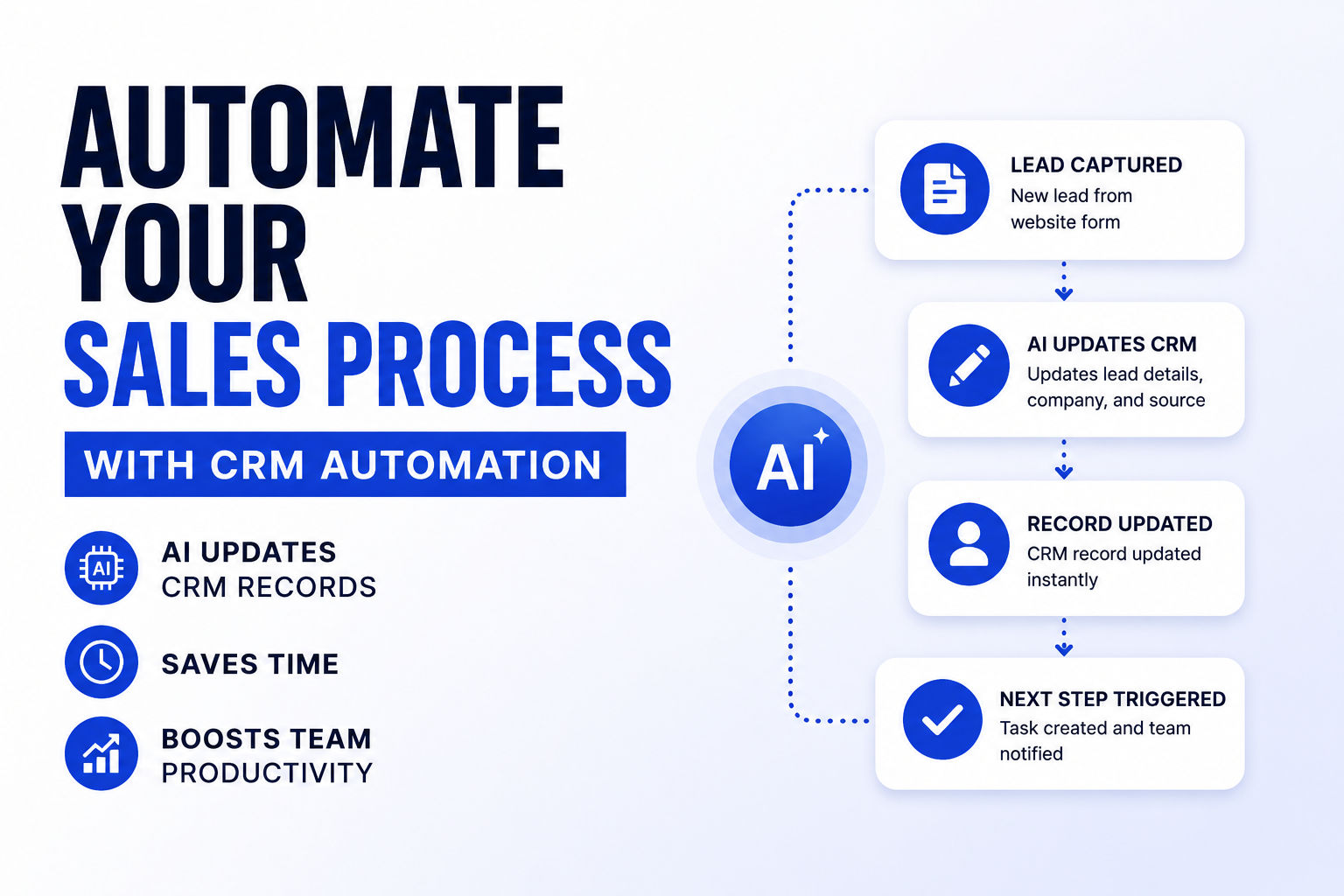
- Lead intake and qualification: Form submission triggers AI to qualify leads based on company size, industry, and budget, then routes hot leads directly to sales.
- Proposal follow-up sequence: When a proposal is sent, AI generates a personalized follow-up sequence and triggers reminders based on response time.
Human Resources
- Employee onboarding: New hire creation triggers a workflow that generates offer letters, creates accounts, schedules training, and sends welcome packets.
- Time-off approval: Request submission triggers AI to check team availability and policy compliance before routing to a manager for final approval.
Customer Support
- Ticket triage and resolution: Incoming support tickets are classified by urgency and intent, with AI drafting responses for common issues and escalating complex cases.
- Missing asset nudge: When a task is created with missing assets, AI drafts a professional follow-up email. If no response in 48 hours, it schedules a firmer follow-up.
Marketing
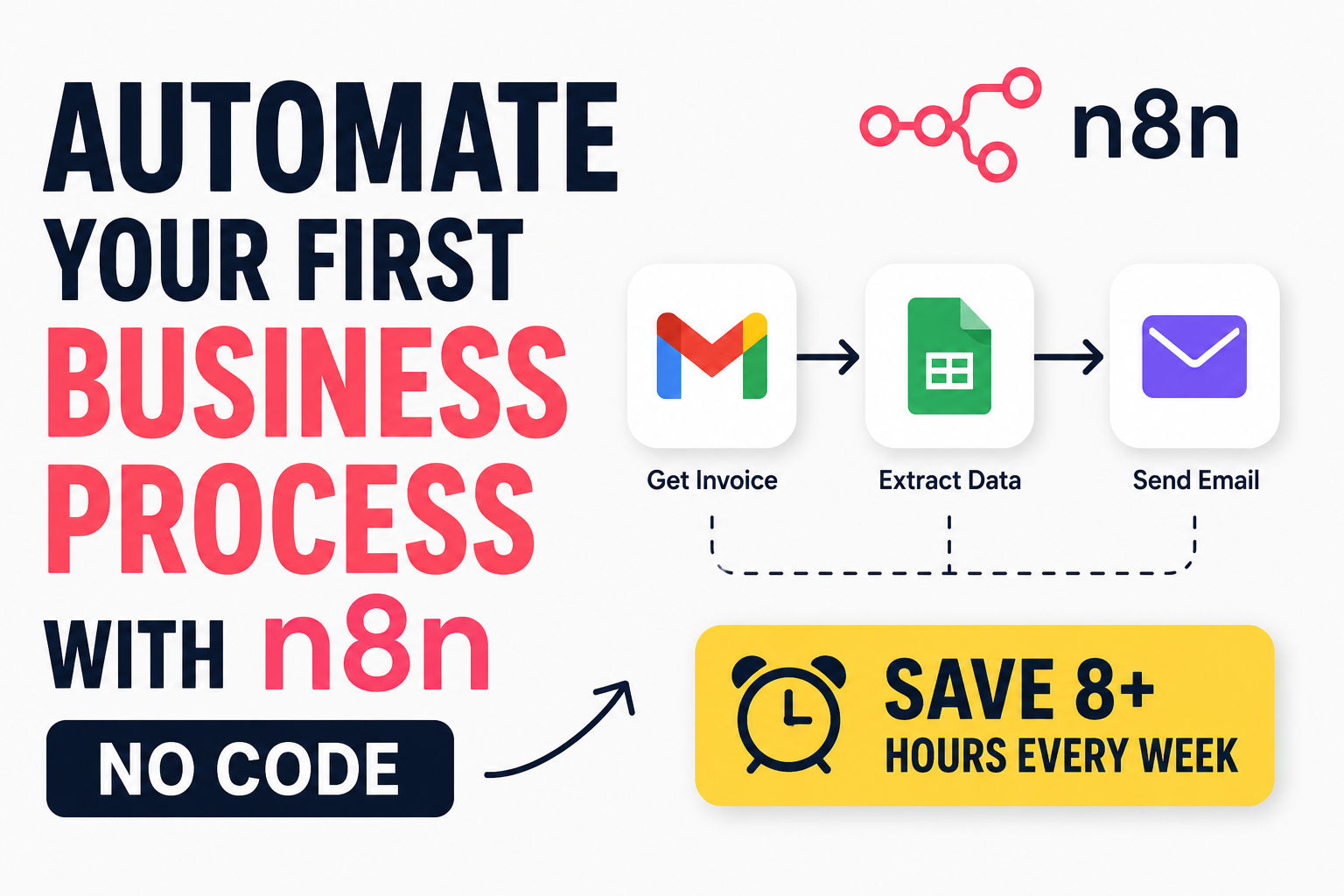
- Content repurposing pipeline: Long-form content triggers a workflow that generates social hooks, email angles, and landing page snippets. If you're curious about the mechanics of setting something like this up, our step-by-step on the AI social media content pipeline using n8n is a great place to start.
- Social media content pipeline: A content calendar triggers AI to generate posts, create images, and schedule across platforms using tools like n8n.
Finance and Operations
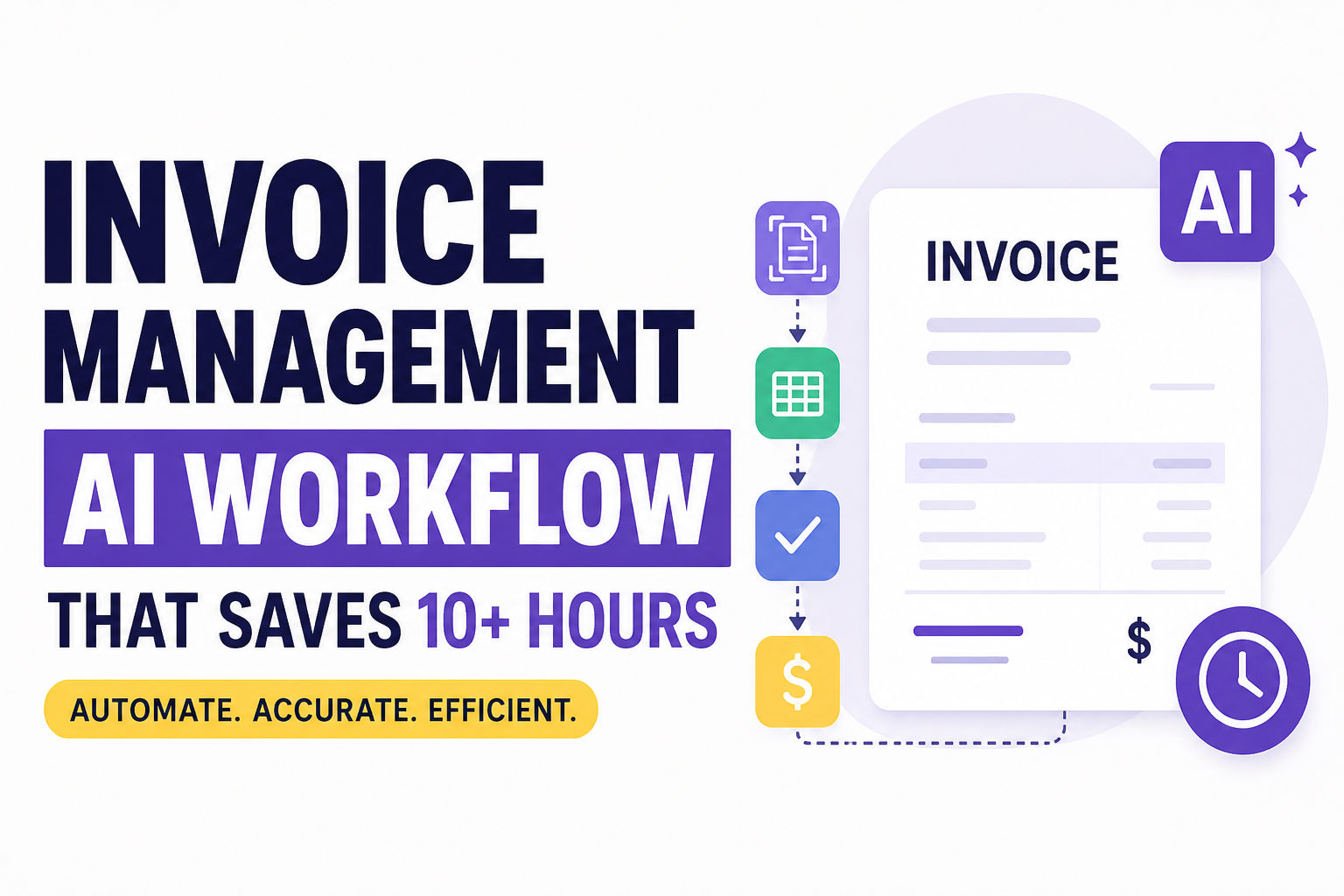
- Invoice processing: Incoming invoices trigger AI to match them against purchase orders, flag discrepancies, and route for approval.
- Automated collections: Overdue invoices trigger a collections sequence with escalating language based on payment delay.
Best AI Workflow Automation Tools
Your tool choice depends on your technical comfort and your specific needs. Here's how the major players stack up in 2026:
| Tool | Best For | Key Strength | Cost Model |
|---|---|---|---|
| Zapier | Beginners and rapid prototyping | 8,000+ integrations, natural language agent builder | Task-based ($0.05-$0.10/task) |
| Make | Visual, complex workflows | Powerful visual builder, $0.0016/operation | Operation-based |
| n8n | Technical teams needing control | Self-hosting, JavaScript/Python support, AI Agent node | Execution-based |
| CrewAI | Multi-agent orchestration | Python-based, 5.76x faster than LangGraph in some tasks | Open-source |
| LangChain | Developer framework | Standardized LLM interfaces, LangGraph for workflows | Open-source |
| Claude for Small Business | SMBs using QuickBooks, HubSpot | Pre-built workflows, supervised assistant model | Subscription |
Key insight: The transition between these tools typically follows a maturity model. Start with Zapier for experimentation, move to Make when costs become prohibitive, and finally deploy n8n or CrewAI for custom, high-volume production environments where data control is critical.
n8n charges per workflow execution regardless of how many nodes it includes, while Make and Zapier charge per action. This means if your workflow has 10 nodes, Make would count that as 10 operations each time it runs, whereas n8n would count it as one execution.
When you're comparing tools, it's also smart to look at the broader ecosystem. Need something with more flexibility? Our analysis of best open-source alternatives can help you weigh the options beyond the mainstream commercial platforms.
How to Build Your First AI Workflow
Here's a step-by-step playbook. Skip this at your own peril.
Phase 1: Map (10-25 minutes)
Before you touch a tool, write the workflow spec. This is non-negotiable.
Map Spec:
- Outcome: What changes in the real world?
- Trigger: What starts the run?
- Inputs: What must exist?
- Constraints: Time, brand voice, compliance, "never do X"
- Proof: What would prove success?
- Failure modes: Missing info, ambiguity, no response, rejection
- Owner: Who approves? Who fixes breaks?
Phase 2: Model (AI drafts the parts)
AI should generate components, not make decisions.
Good uses:
- First drafts (emails, messages, copy)
- Summaries of messy notes
- Classifications (intent tags, urgency levels)
- Checklists and SOP steps
- Structured outputs (JSON, tables)
Bad uses (never):
- Sending sensitive messages unsupervised
- Approving payments
- Irreversible decisions
- "Deciding" without thresholds
Getting the AI to generate what you want is a skill in itself. If you're finding that your outputs feel generic or off-target, you might need to refine your prompts. Our complete guide to prompting techniques and prompt engineering strategies covers the key methods to get better results from your AI models.
Phase 3: Move (ship the smallest runnable version)
Your first version should have:
- 1 trigger
- 1 output
- 1 verification step
- 1 fallback path
You can add sophistication later. Operator-grade systems are built through controlled iteration, not "perfect v1."
Deployment Rollout Plan
The biggest mistake is turning it on everywhere at once. Use this rollout playbook:
- Sandbox (1-3 runs): Run it manually with logging. Fix obvious missing inputs.
- Assisted (5-15 runs): Automation drafts, human approves. Track edits and failures.
- Guarded autopilot: Auto-create tasks, drafts, internal updates. Still require human approval for outbound messages.
- Scale: Add more triggers, branches, and actions only after stability.
Common AI Workflow Automation Mistakes
The graveyard of failed automations is filled with these errors. Avoid them:
Mistake 1: Poor Process Selection
Don't start by automating everything. Start where repetition is high and errors are costly. The four workflow types worth automating first are client/customer ops, content operations, admin reliability, and growth experiments.
Mistake 2: Missing Human Approval
If AI is making irreversible decisions, you're not automating—you're gambling. Always include a human approval step for high-risk actions.
Mistake 3: Hallucination Risk
AI can confidently generate wrong information. Validate outputs with structured rules. For example: "Send only if all required fields are present, draft under 180 words, and confidence score ≥ 0.7."
Mistake 4: Lack of Observability
If a workflow breaks silently, it will break at the worst possible time. Minimum observability checklist includes run ID, trigger timestamp, input snapshot, decision outputs, action results, human outcome, and latency. We have a dedicated guide on AI agent risks in 2026 that covers these failure modes and how to guard against them.
Mistake 5: Security and Governance Gaps
Giving AI the ability to interact directly with enterprise systems creates new risks around permissions, compliance, and accountability. Organizations are developing policies to document AI-generated decisions and ensure employees can override automated workflows when necessary.
Measuring ROI of AI Workflow Automation
Stop obsessing over accuracy. That's a vanity metric. Here's what actually matters in 2026.
Task Completion Rate
What percentage of tasks does the agent complete without human intervention? This is different from accuracy. It measures autonomy, not correctness.
Target:
- Month 1-2: 60-70%
- Month 3-4: 75-85%
- Month 6+: 85-92%
Why it matters: A 90% accurate agent that requires human review on everything isn't autonomous—it's a slow advisor. You're still paying for human labor.
Cost Per Decision
How much does it cost to run one autonomous decision end-to-end?
Target: <$0.20 per decision (ensures 15x ROI vs. human baseline).
Example calculation:
- Total monthly costs: $12,000 (platform + infrastructure + human oversight)
- Autonomous decisions: 80,000
- Cost per decision: $12,000 ÷ 80,000 = $0.15
- Human cost per decision: $3.00
- ROI multiplier: $3.00 ÷ $0.15 = 20x ROI
Escalation Rate and Resolution Quality
Target: 5-15% escalation rate (agent handles 85-95%, humans handle exceptions).
Human agreement rate: >95% (agent escalating for the right reasons).
Resolution time: <15 minutes (because AI pre-loaded context).
Operational Efficiency Metrics
Google Cloud's framework for AI agents identifies three pillars:
- Reliability: Tool selection accuracy, plan adherence, consistency score
- Adoption: Active users, session depth, retention rate of generated text
- Business value: Time-to-value acceleration, OpEx reduction, new capabilities unlocked
The Market Reality
The workflow automation market is projected to reach $23.9 billion in 2026, growing to $45.5 billion by 2032 at a 9.7% CAGR. Companies with proven GenAI integration command 7-12x EV/Revenue multiples, versus 4-7x for maturing RPA platforms. The valuation premium requires demonstrated ROI, not just feature announcements.
Here's the sobering statistic: Gartner expects more than 40% of agentic AI projects to be cancelled by the end of 2027, citing escalating costs, unclear business value, and inadequate risk controls as the leading causes—not model quality. When these initiatives fail, it's rarely because the underlying model wasn't capable enough. It's because of missing data infrastructure, unclear success metrics, or absent governance. For a high-level look at which tech fields are ripe for building a solution, our piece on what software startup field you should build might offer some perspective on where the market gaps are.
Future of AI Workflow Automation
The shift is from assistance to automation. Over the past two years, most enterprise AI initiatives focused on improving employee productivity through copilots. Now, adoption is entering a new phase: autonomous workflows.
Key Trends for 2026
Hyperautomation: The integration of AI, machine learning, and robotic process automation (RPA) into unified platforms for end-to-end process optimization. Documented benefits include up to a 27% reduction in downtime, 10-30% cost savings, and significant gains from predictive maintenance.
AI-First Automation: Systems that predict potential issues and respond automatically. AI-driven platforms analyze real-time and historical data to anticipate failures and intervene proactively.
Low-Code/No-Code Platforms: Gartner forecasts that by 2026, over 80% of new digital initiatives will leverage low-code/no-code platforms. This democratization allows citizen developers to automate repetitive tasks and prototype applications independently.
Agentic AI: Systems that don't just respond to a single prompt but plan sequences of steps, call tools or APIs, evaluate intermediate results, and adjust their approach with limited human supervision. The distinction matters: a chatbot that answers a policy question is generative AI. A system that reads an invoice, checks it against a purchase order, flags a discrepancy, drafts a query to the vendor, and routes it for approval is agentic. The Model Context Protocol (MCP) is a key technology enabling this kind of complex interaction, allowing agents to more easily connect with the tools and data they need.
What's Real vs. Hype
The honest answer sits somewhere in the middle. While 40% of enterprise applications will embed task-specific AI agents by the end of 2026, only around 23% of organizations are actually scaling an agentic AI system anywhere in the enterprise. The gap between "using AI agents" and "running agents in production at scale" is the single most important number to internalize.
Where agentic AI is genuinely delivering value:
- Software engineering and IT operations (code review, test generation, incident triage)
- Back-office and finance operations (invoice matching, reconciliation, compliance documentation)
- Healthcare administrative support (clinical documentation assistants cutting documentation time by over 40%)
- Customer and vendor query resolution (multi-step queries handled end-to-end)
Where the hype outruns the reality:
- Governance as an afterthought
- Skipped data readiness
- ROI claims outpacing measurement
- Underestimated multi-agent complexity
The bottom line: Agentic AI in 2026 is neither the autonomous-workforce revolution some vendors promise nor a rebranded gimmick. It's a genuinely new capability with real, measurable wins in structured, verifiable workflows—sitting inside a market that's still working out governance, data readiness, and honest ROI measurement .
The Operator's Checklist for Reliability
Before you call something "automated," run through this checklist:
Input Validation
- What happens if required fields are missing?
- Do you block, request, or infer?
Deterministic Outputs
- Same input → same output class (at least at the decision level)
- AI can vary the wording, not the routing
Safe Retries
- Transient failure retries don't duplicate actions
- Idempotency: if you run it twice, it doesn't send two emails
Guardrails
- AI has a role, not full control
- High-risk steps are always verified
Handoff
- Clear "approve / reject / edit" step exists somewhere
- Humans can correct without reworking the whole run
Logging
- You can audit any run later
Frequently Asked Questions
What is AI workflow automation? AI workflow automation is a system where artificial intelligence is used as the decision-making and content-generation engine within an automated sequence. It includes triggers, defined inputs, decision rules, verifiable outputs, failure paths, and observability.
Is AI workflow automation worth it for small businesses? Yes. Products like Claude for Small Business and Gusto Cofounder are specifically built for SMBs, automating everything from payroll to invoice reconciliation. An agent that autonomously completes 85-92% of tasks at roughly $0.15-$0.20 per decision can deliver 15-20x ROI versus human-only workflows.
What's the difference between RPA and AI workflow automation? RPA (Robotic Process Automation) is rule-based and follows scripted paths. AI workflow automation uses AI models to make decisions, classify inputs, draft content, and handle unstructured data. The market is shifting toward AI-powered automation, with AI automation leaders commanding 6.0x+ EV/Revenue multiples versus roughly 3.0x for broader software.
What are the best AI workflow automation tools? It depends on your needs. Zapier is best for beginners. Make is for visual, complex workflows. n8n is for technical teams needing control. CrewAI and LangChain are developer frameworks for multi-agent orchestration .
What metrics should I track for AI workflow automation? Track task completion rate (85-92% is the target), cost per decision (<$0.20), escalation rate (5-15%), human agreement rate (>95%), and resolution time (<15 minutes). Stop obsessing over accuracy—it doesn't tell you if you're making money.
What's the biggest mistake in AI workflow automation? Poor process selection. Don't start by automating everything. Start where repetition is high and errors are costly. The four workflow types worth automating first are client/customer ops, content operations, admin reliability, and growth experiments.
Conclusion
AI workflow automation in 2026 isn't about using the fanciest model or the trendiest tool. It's about selecting the right business processes to automate, building with proper governance and observability, and measuring what actually matters.
The market is moving fast. Hyperautomation is projected to surge from $76.9 billion in 2026 to $306 billion by 2035, representing a 17.4% CAGR. But the organizations that succeed won't be the ones chasing every feature announcement. They'll be the ones picking the two or three workflows that are bounded, data-rich, and easy to verify, proving value there with proper governance in place, and expanding from a position of evidence rather than hype.
That's what separates the artificial intelligence development programs delivering real returns in 2026 from the ones quietly heading toward cancellation in 2027.
Start small. Build tight. Measure relentlessly. And remember: automate the workflow, not the task.
CS student and builder writing about tech, startups, AI, and productivity. Built a SaaS that didn't ship — walked away with real product experience instead. Sharing everything learned along the way.