ChatGPT vs Claude vs Gemini vs Copilot: Which Is Best?
Compare top AI agents: ChatGPT, Claude, Gemini, and Copilot. See pricing, features, benchmarks, and learn which platform works best for coding and business automation.
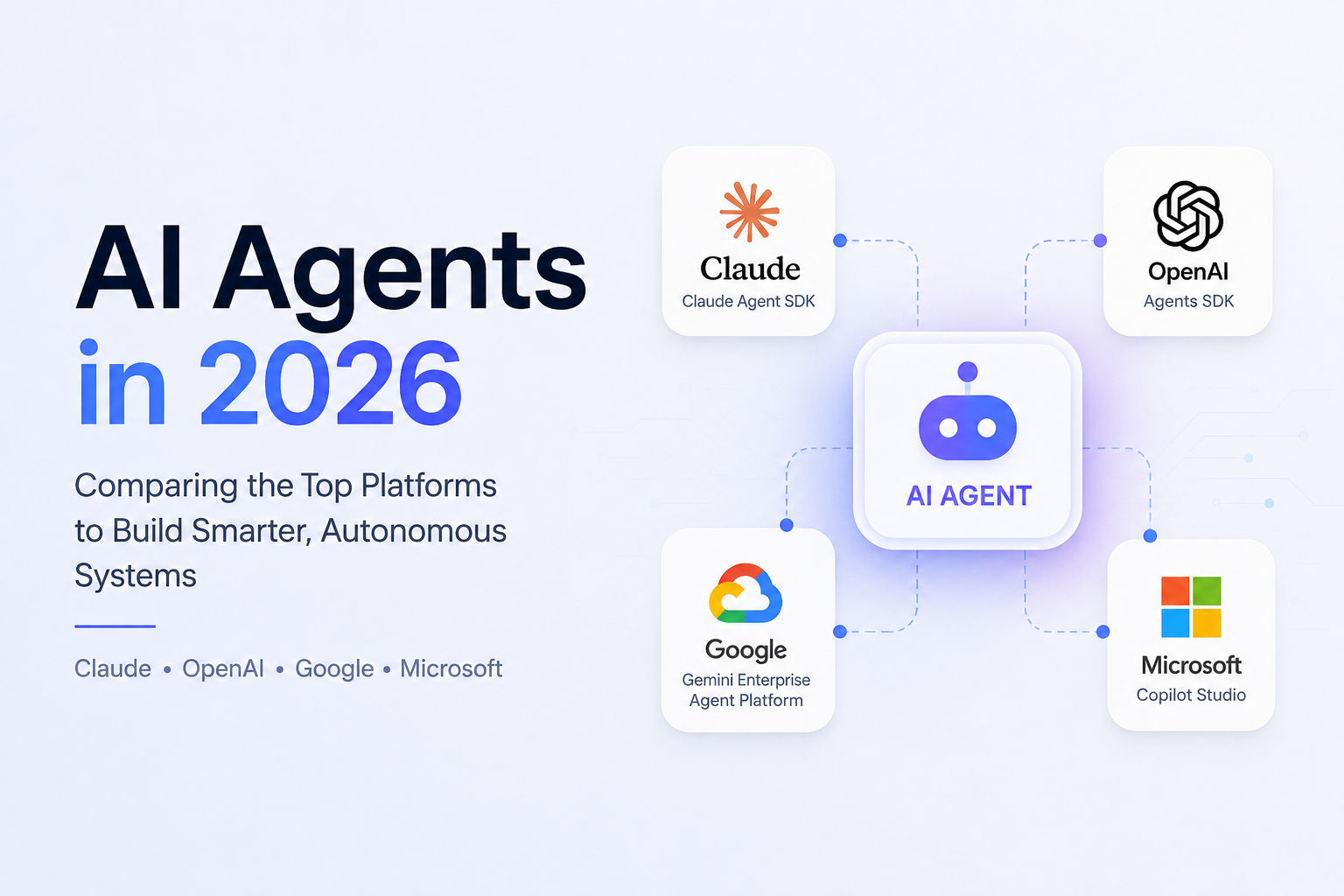
If you've been building anything with AI lately, you know the landscape shifted dramatically. We're not talking about chatbots anymore. The best AI agents in 2026 actually do work for you—they read your code, run commands, make decisions, and execute multi-step workflows with minimal oversight. That's the game now.
I spent the last few months digging into how developers actually choose between OpenAI agents, Claude agents, Google's platform, and Microsoft's Copilot Studio. What I found is that the decision isn't about which platform is "best." It's about which one fits your specific problem.
The Agent Era is Actually Here
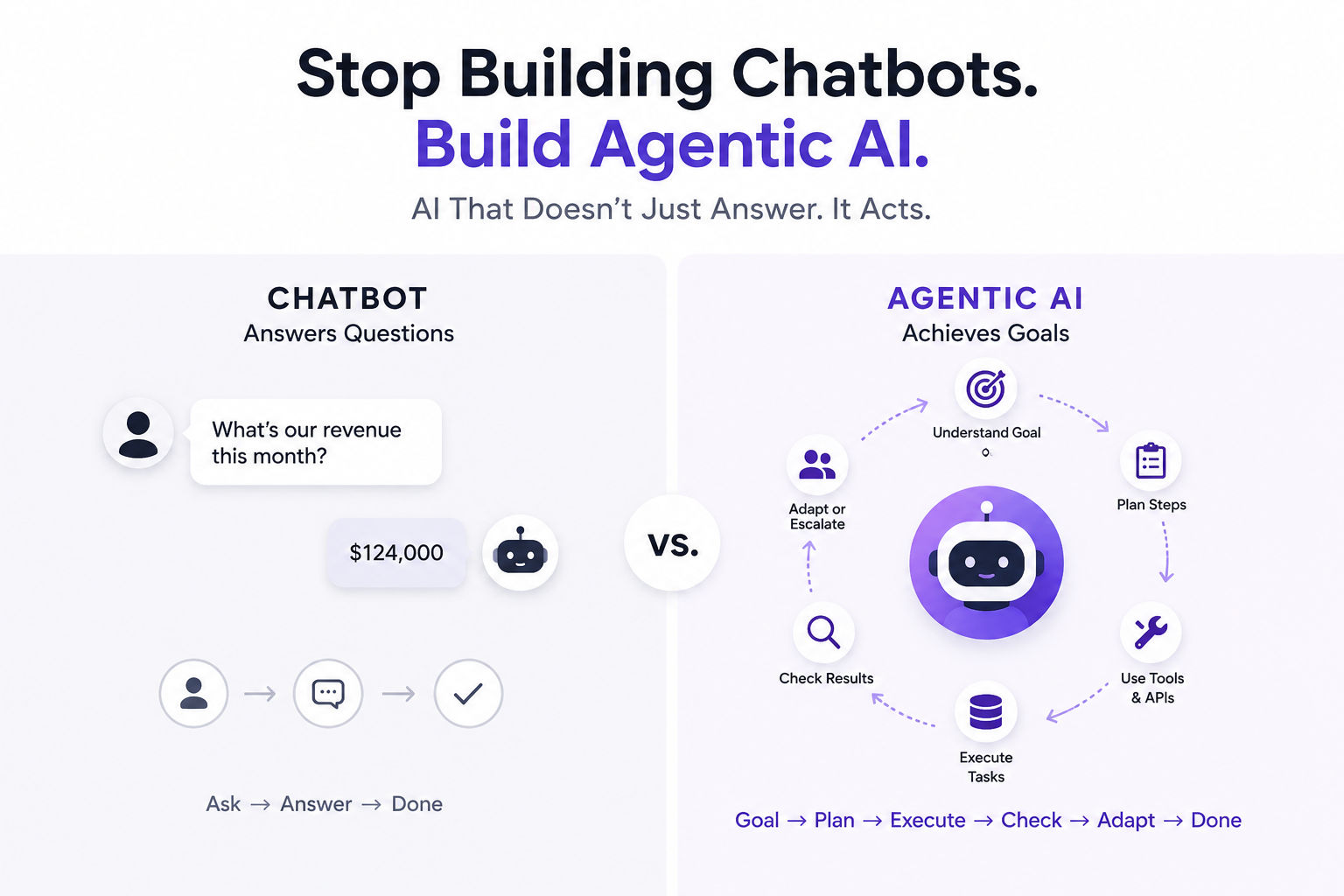
Let me be honest: the term "AI agent" gets thrown around too much these days. But what's happening in 2026 is real. Where a chatbot answers questions, a real agent plans multi-step tasks, calls APIs, handles unexpected situations, and learns from feedback. That difference changes everything about how you build.
The market is responding. Search demand for "AI coding agents" went from 720 searches a month in April 2025 to 12,100 in March 2026—a 17x jump in one year. Enterprise adoption is accelerating too. Gartner predicts 40% of enterprise applications will have agentic components by the end of 2026, up from 5% in 2025.
But here's what matters for you right now: the four major players have fundamentally different philosophies about what an agent should be. That's why picking one is harder than it looks.
Claude Agents: Enterprise-Grade Safety and Reasoning
Claude Agent SDK (renamed from Claude Code SDK in September 2025) is Anthropic's play on the agent space, and it's been moving fast. If you're building something mission-critical, this is worth understanding.
The core idea is simple: Claude gives you the same infrastructure that powers Claude Code but exposes it as a library. You point it at a problem, and Claude handles the tool loop autonomously. No manual orchestration. No reinventing the wheel.
What makes claude agents stand out is the reasoning piece. Claude Opus models (especially Opus 4.7 and the fresh Opus 4.8) are absurdly good at understanding complex problems and breaking them into steps. I've watched it refactor entire repos, write tests, and then run them—all from a single prompt. The claude agent sdk ships with built-in tools: file editing, bash execution, web search, web fetch, and MCP server support.
The pricing shift matters here. Starting June 15, 2026, Anthropic split claude agents usage into a separate credit pool. Pro tier gets $20/month in credits, Max tier gets $100/month. That's actually cleaner than you'd think—your interactive usage on Claude.ai stays on your subscription, but programmatic agent work (the claude code agents stuff) draws from a separate pool. Transparency on costs is rare in this space.
One thing I like: the claude agent sdk is straightforward. You define an agent with a system prompt, give it tools, and let it work. Multi-agent support is coming (in preview as of April 2026), so if you need agents coordinating with each other, it's on the roadmap. For coding tasks, Claude agents score 78.9% on Terminal-Bench 2.1—second place after OpenAI, but within spitting distance and arguably more reliable in production.
The tradeoff? Setup. Claude agents expect you to manage your own runtime. You're running the harness, managing sandboxing, owning the deployment. That's flexibility, but it costs operational overhead.
OpenAI Agents SDK: Model-Native and Production-Ready
OpenAI's openai agents story is interesting because they've been evolving it aggressively. The Agents SDK didn't exist a year ago—the company was running Swarm as an experiment. Now it's production, and they're shipping updates monthly.
The April 2026 update to openai agents sdk introduced sandboxing and a beefier harness. You can give agents file access, let them run code, patch files, and work across real workspaces. The openai agent builder philosophy is simpler than Claude's: less infrastructure, more opinion. You get agent primitives (agents as LLMs with tools), handoffs (agents delegating to other agents), guardrails (input/output validation), and tracing built in.
OpenAI agents score highest on benchmarks. 83.4% on Terminal-Bench 2.1 with GPT-5.5 as the model. But benchmarks are one thing—I'm more interested in what happens when something breaks. The built-in tracing in openai agents sdk is genuinely useful. Every tool call, every reasoning step, every decision is visible in the OpenAI dashboard. For debugging (the hardest part of production agents), that's gold.
Pricing is model-based. You're paying OpenAI's standard API rates for whatever model you use. GPT-5.5, GPT-5, GPT-4o—the harness doesn't add a surcharge. That's actually more expensive than Claude if you're doing heavy reasoning, but you get transparency.
The sandboxing integration is smart. You can run agents in E2B, Modal, Cloudflare, Daytona, Runloop, Vercel, or even a local Unix sandbox. That flexibility matters for teams with specific infrastructure requirements.
Real talk: openai agents feels more opinionated than Claude agents. That works if you're building within OpenAI's model ecosystem. If you want model flexibility, the handoff model (where agents transfer work to other agents) is cleaner than multi-agent orchestration on Claude.
Google's Gemini Enterprise Agent Platform: Full-Stack Consolidation
Google made a bold move in April 2026 at Cloud Next. They didn't update Vertex AI—they buried it. The Gemini Enterprise Agent Platform is the new name, and it's not a rebrand. It's a structural inversion.
Where Vertex AI was model-first (train models, then deploy them), the Gemini Enterprise Agent Platform is agent-first. You define an agent, and models are a configuration choice. The Google Agent Development Kit (ADK) is the code-first framework, and it's model-agnostic. You can use Gemini, Claude (Opus, Sonnet, or Haiku are first-class citizens now), open models like Gemma, or anything else.
The Google agents platform bundles a lot: Agent Studio (low-code visual builder), ADK (code-first), Agent Engine (managed runtime), Memory Bank (persistent context), and governance layers. It's comprehensive—maybe too comprehensive for small teams.
Here's what's interesting: Google is betting that 200+ models in Model Garden plus unified governance is worth the complexity. Google agents can access BigQuery natively, Google Search natively, and Workspace data natively. If your enterprise already lives in Google Cloud, this platform is seductive.
The Agent Development Kit (ADK) reached v1.0 stable across Python, Go, Java, and TypeScript. More than 6 trillion tokens process through ADK monthly. The new graph-based framework for organizing agents into networks of sub-agents is powerful—you can express complex multi-agent choreography without custom wiring.
Pricing is pay-as-you-go: $0.0864 per vCPU-hour for Agent Engine runtime, $0.0090 per GB-hour of memory, $0.25 per 1,000 events for sessions and memory storage. Model tokens are separate (Gemini pricing varies by model tier). It's granular, which means if you're not careful, costs scale with usage.
Microsoft Copilot Studio: Integration Over Innovation
Microsoft's Copilot Studio approach is different. It's not a framework in the traditional sense—it's a platform for building agents that live inside Microsoft 365.
Here's the honest take: Microsoft agents are good at workflow automation if your business runs on Outlook, SharePoint, Teams, and Excel. Copilot Studio agents ground on your knowledge sources (SharePoint sites, Dataverse tables, URLs, documents) and integrate with your existing Power Platform infrastructure.
The licensing model is unique. If you buy Microsoft 365 Copilot ($30/user/month enterprise, $18/user/month business through June 30), internal agents you build in Copilot Studio don't consume extra credits. Your licensed users can interact with those agents unlimited times. But if you want external-facing agents or high-volume automation, you pay separately: $0.01 per credit pay-as-you-go, or $200/month for 25,000 credits.
In May 2026, Microsoft launched computer-using agents in Copilot Studio. That's a big deal if you're automating legacy systems without APIs. An agent can interact with websites and desktop UIs directly, reading screens and clicking buttons. It's less efficient than API automation but more robust than brittle scripts.
The new workflows designer in Copilot Studio (early release as of June 2026) lets you orchestrate agents alongside traditional workflow steps. You can combine API calls, approvals, business logic, and agent reasoning in one canvas. It's not flashy, but it solves a real problem: connecting agents to the business processes that already exist.
So, Which Agent Framework Should You Actually Use?
I'm not going to pretend there's a universal answer, because there isn't. But here's how I'd think through it:
Choose Claude agents if:
- You're building coding agents or deep reasoning tasks
- Safety and constitutional AI matter to your org
- You want to own your deployment and runtime
- You're open to paying per-token for compute
Choose OpenAI agents if:
- You're already committed to the OpenAI ecosystem
- You need strong model quality right now (GPT-5.5 is legitimately impressive)
- Built-in tracing and debugging matter to you
- You want simplicity over control
Choose Gemini Enterprise Agent Platform if:
- Your enterprise is on Google Cloud
- You need deep integration with BigQuery or Workspace
- Unified governance across 200+ models appeals to you
- You're willing to accept higher operational complexity
Choose Microsoft Copilot Studio if:
- Your org is Microsoft 365 and Microsoft Stack
- You're automating internal workflows
- You need agents that interact with legacy systems
- You want agents integrated into existing work processes
The Real Shift Happening Now
What strikes me most about 2026 is how collaborative this space has become. Google's platform supports Claude as a first-class citizen. Anthropic invested in making MCP servers work everywhere. OpenAI published the Agents SDK as open-source infrastructure.
None of these platforms is trying to lock you in anymore. They're racing to be the best execution layer for agents, not the best jailer. That's actually healthy for the ecosystem.
The agents playing field is genuinely crowded. We've got open-source frameworks like LangGraph, CrewAI, and AG2. We've got commercial platforms like Perplexity Computer (which orchestrates 19+ models). We've got specialized tools like Devin for engineering tasks and Cursor for coding.
But if you're making a real choice for production use—for something that actually matters to your business—these four are where the conversations usually end up. They've got funding, they've got engineering depth, and they're releasing new capabilities constantly.
Final Thought
Building with best AI agents is genuinely different from building with ChatGPT. You're writing prompts that will run unsupervised for hours. You're debugging tool calling sequences that failed three steps in. You're managing costs that scale with agent ambition, not user seats.
The platforms I covered here all handle those challenges, just differently. Claude agents are for builders who want safety and reasoning. OpenAI agents are for teams in the OpenAI orbit. Google's platform is for enterprises on Google Cloud. Microsoft for Microsoft shops.
None of them will make agents easy. But they'll each make them possible for the right team.
The agent era is here. The question now is just which harness you're most comfortable with.
Most People Asked
CS student and builder writing about tech, startups, AI, and productivity. Built a SaaS that didn't ship — walked away with real product experience instead. Sharing everything learned along the way.